Introduction
Now that I have the basis of the environment done I can start adding in the textures so that it starts to resemble what I want
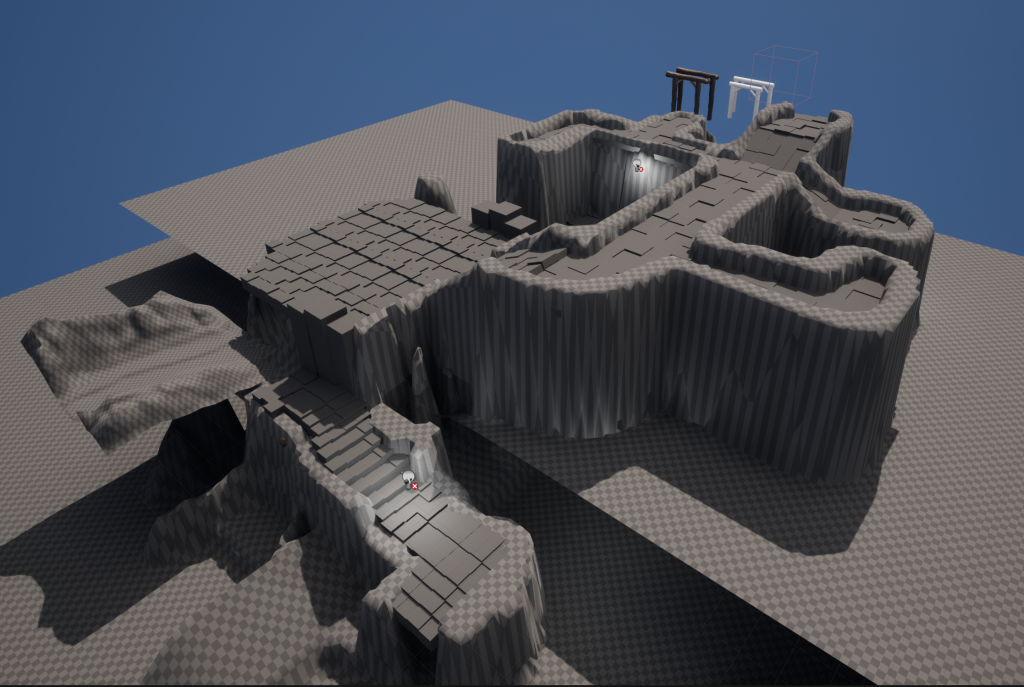
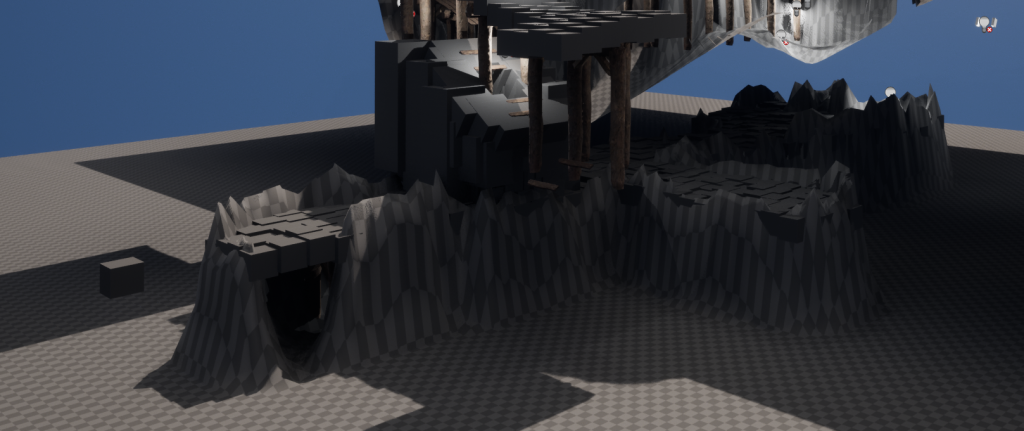
Firstly here is a view of the blockout so you know what I am working with
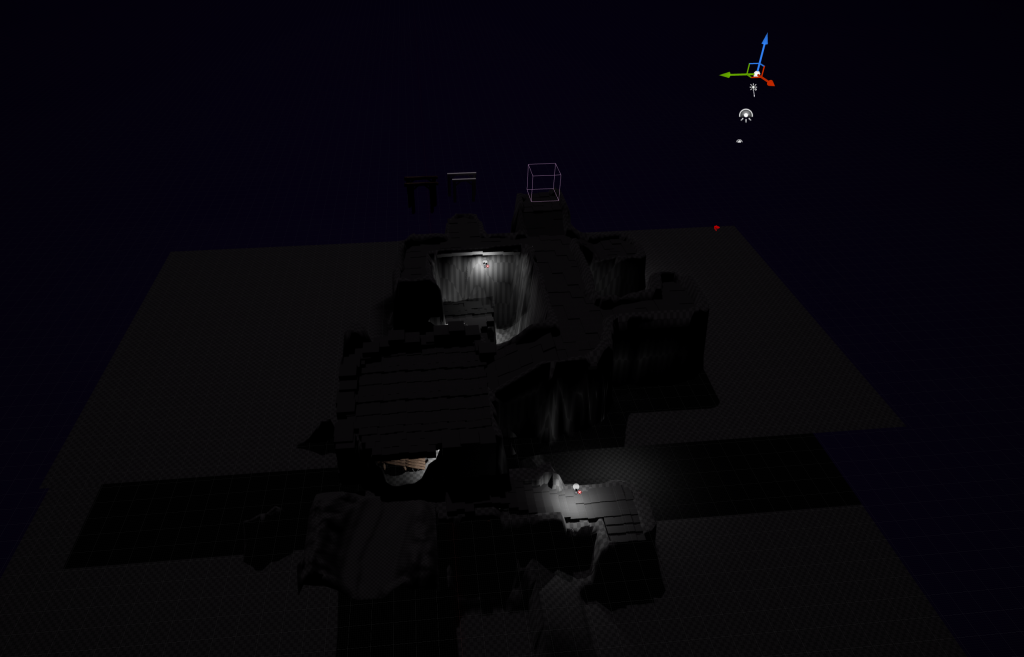
I first decided to change the sky to a night theme, as this would fix some problems of the day time lighting showing too much and breaking the illusion sich as nothing being past the boarded off door
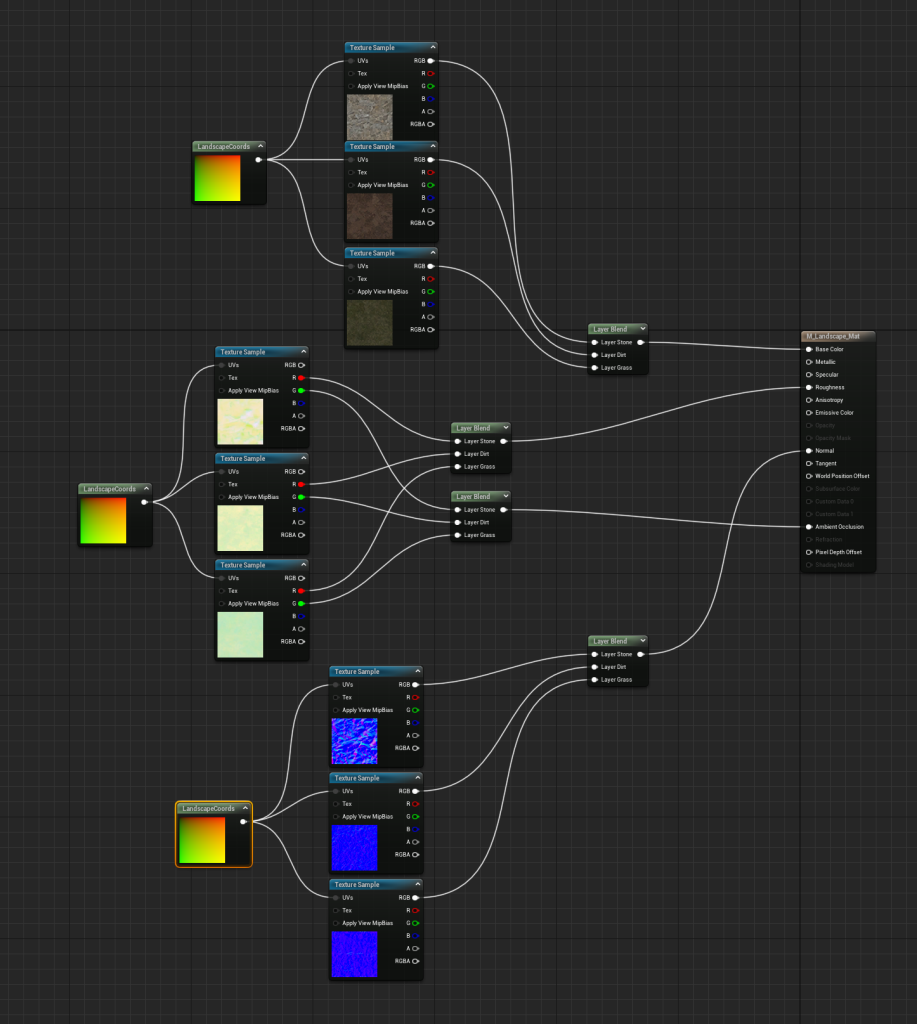
I then decided to get three textures, a stone, dirt and grass texture for my landscapes (stone for the mine, diret for the river and grass for the river banks). As you can see I have made a material for this and added nodes to implement them into it, this way I can paint with all three on the same landscape if needed
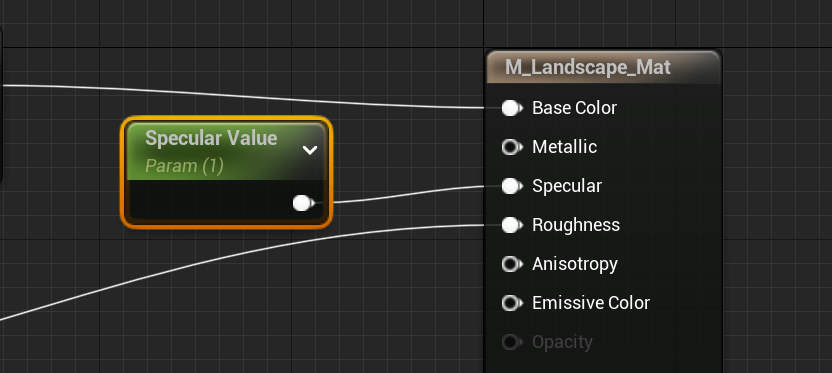
Then to fix the environment beinga bit too shiny, I added a parameter into the specular, which will help it look more realistic
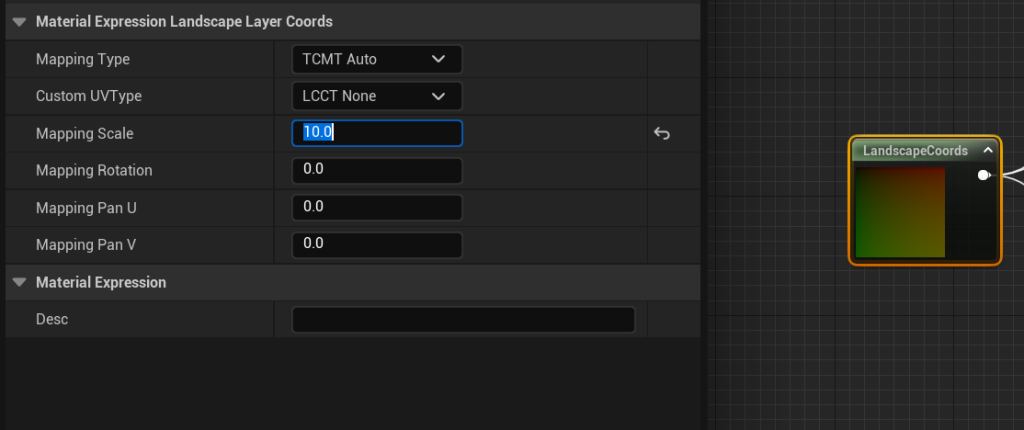
Then finally I went onto the landscape coords and upped the mapping scale, this way the textures would be, well made bigger, this way they look alot less tiled as these tiles are bigger and makes it feel more natural
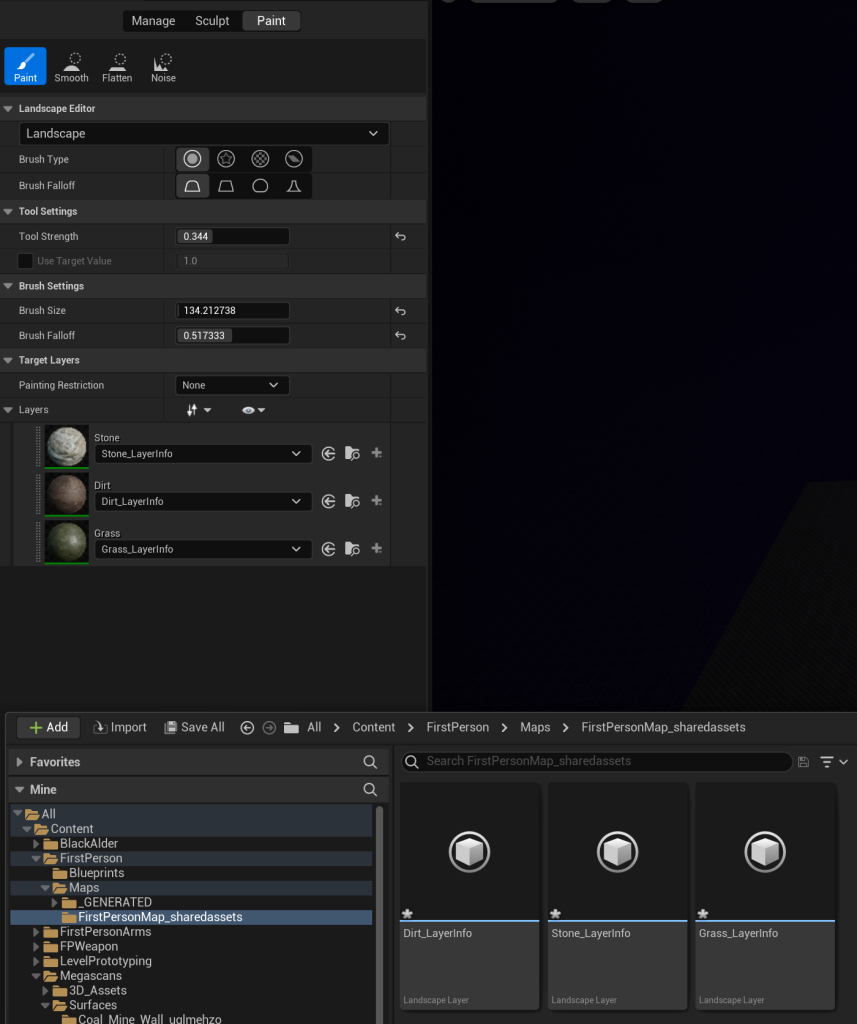
Here is what I meant by being able to use all three, you go onto the environment and add the material, let it make the layers and now you have access to all three on the same landscape
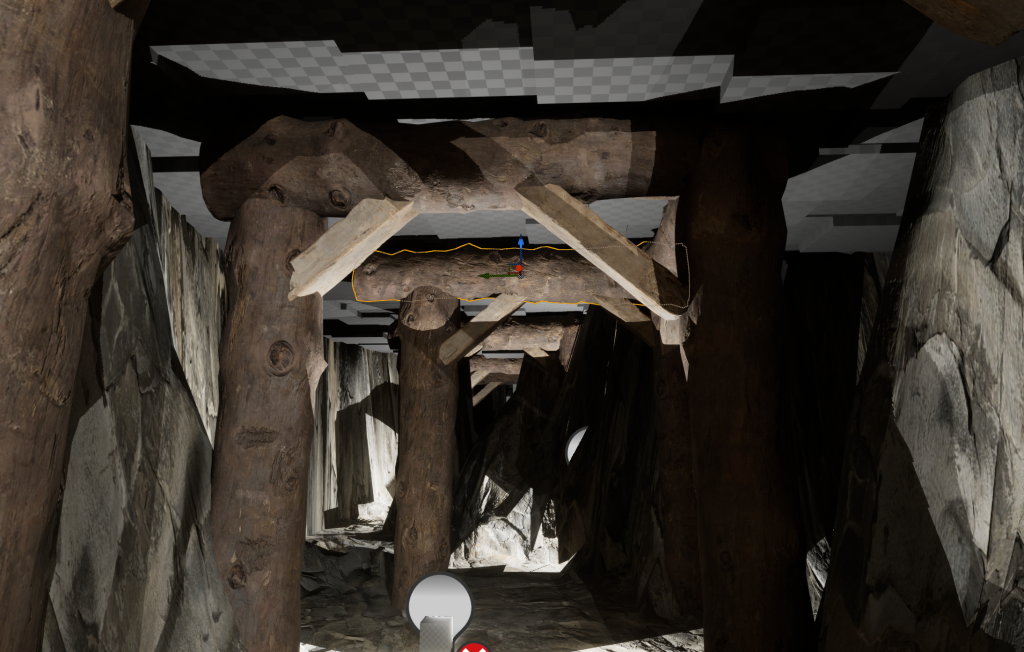
I started painting and realised my roof was still made from cubes due to the landscape tool’s inability to make such a thing, and so I made sure to put the texture on them too
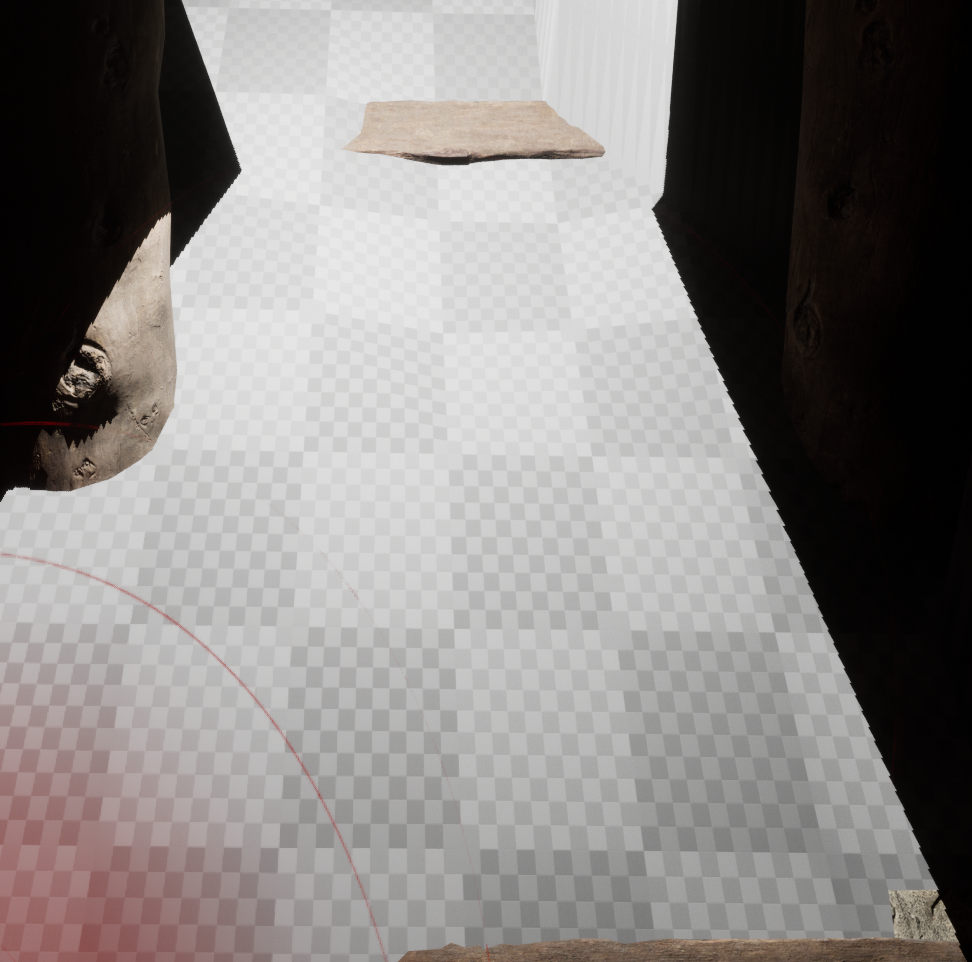
Then we go to the hole I wanted the video to fall through, but landscapes don’t allow for holes, do they? Yes they do, but we need to set it up.
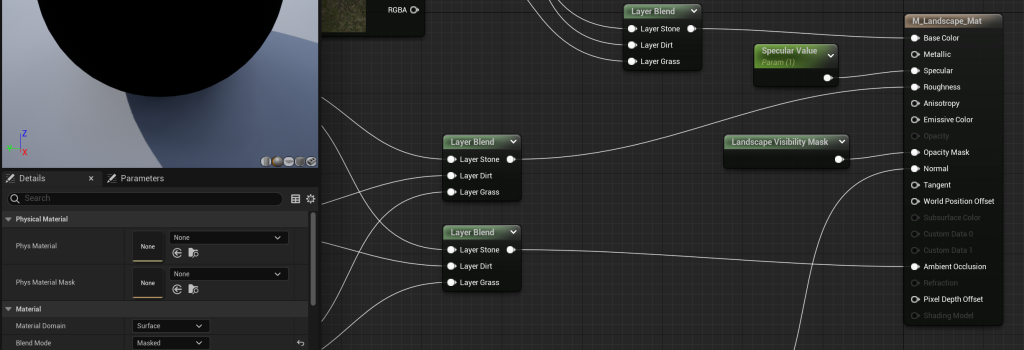
First I converted the material to masked and added a visibility mask to the opacity mask, this lets us use the visiblity tool as before this node was locked
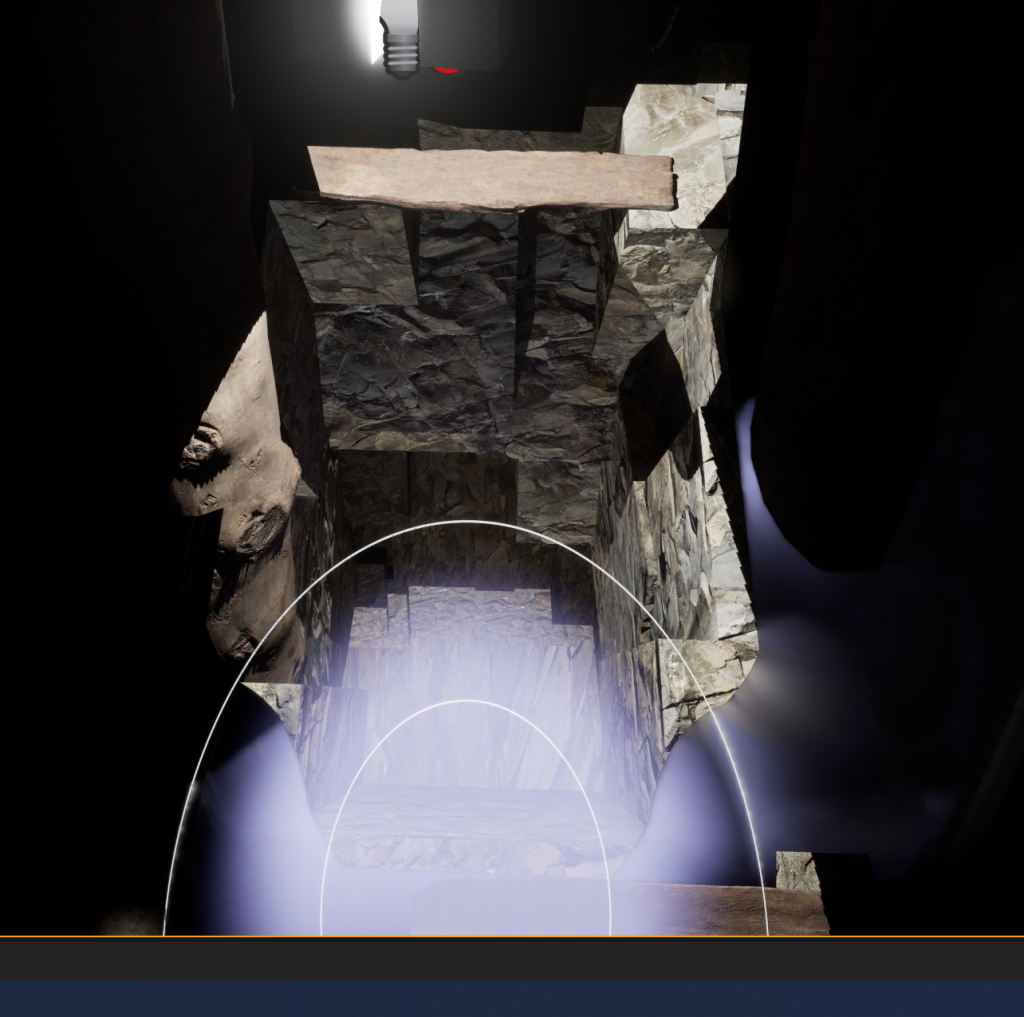
Then once you have saved your material you can just use the visiblity tool and there you go, hole ready for use, atleast I thought
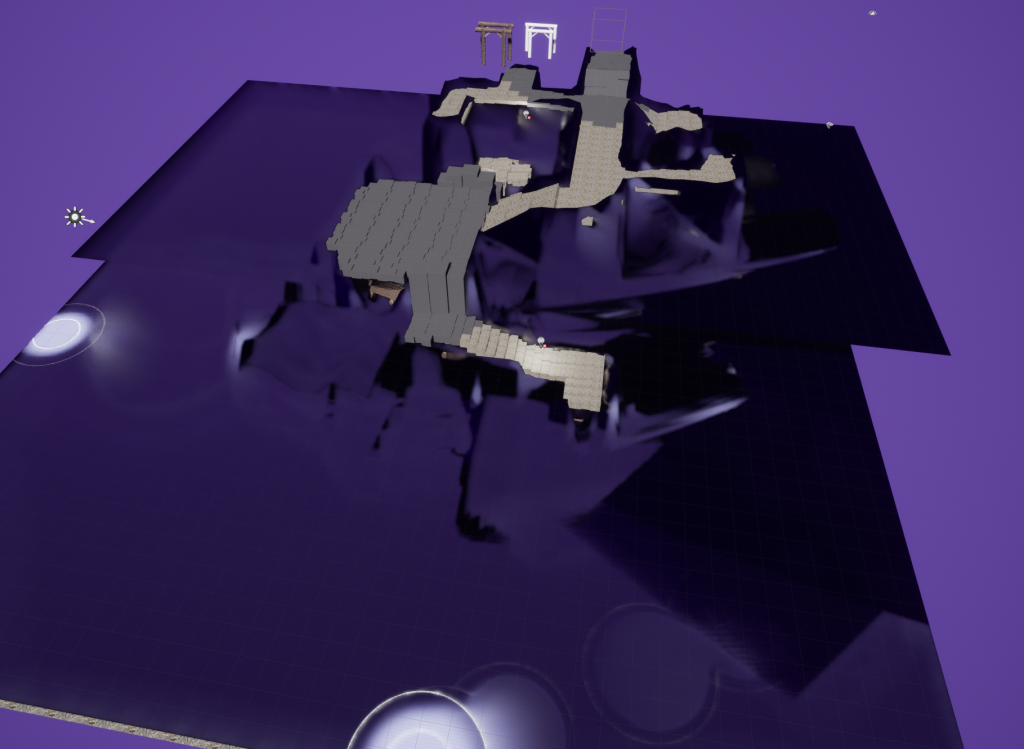
Then when I zoomed out I found my landscape had become purple like my sky (I added a temporary sky light to make the outside easier to see), I was very confused why but obviously I couldn’t just undo this, I needed that hole. I will be honest, I randomly stumbled upon the solution by just trying stuff
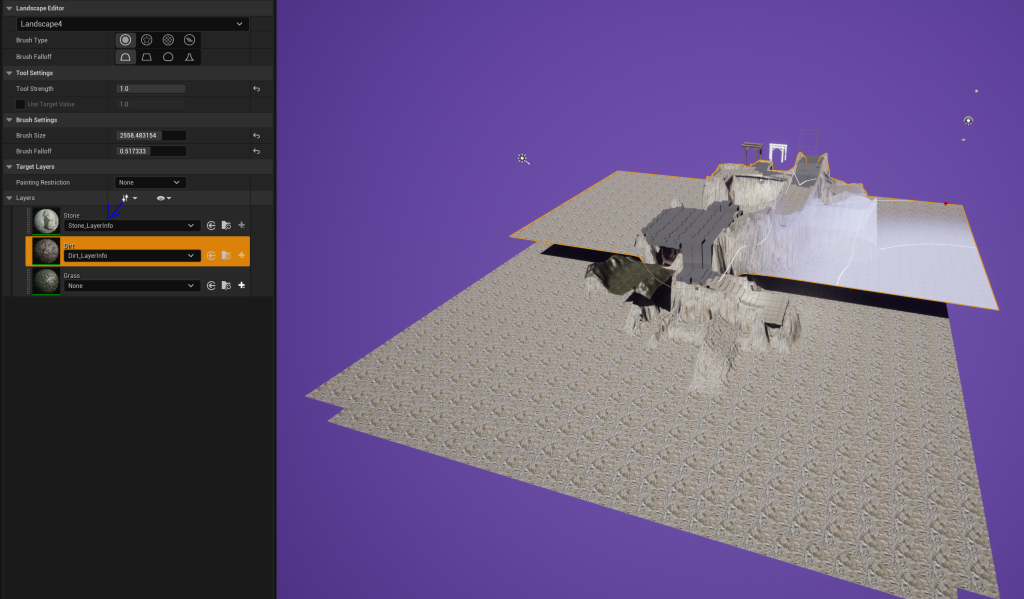
It turned out all I needed to do was to paint over them again, then it fixed the layers in the material and done, I am just happy it was a pretty fast fix
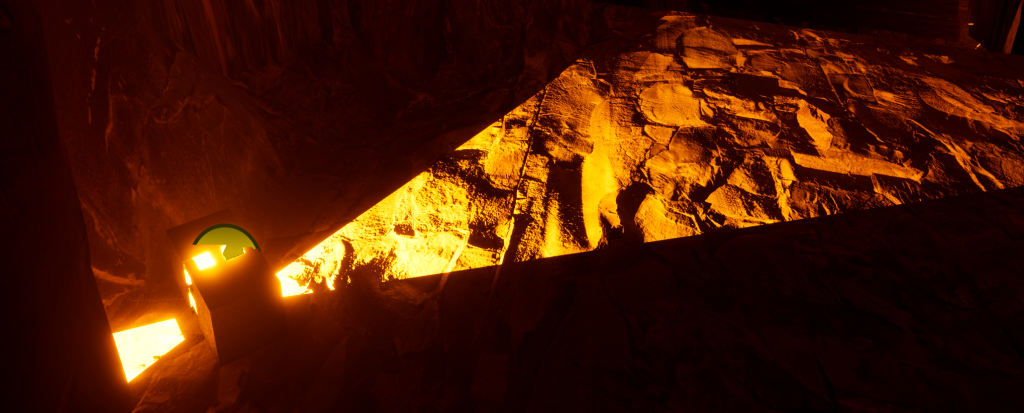
Now that I have the night time I obviously need better lighting than those lanterns you saw me using, and so I made some new ones with bars and a steel texture, this was they actually look real and fit the area. I did find while playing with them that on their aide the bars block alot of the lighting, and so sometimes to get more out of them I have them upright to help should off the environment that bit more
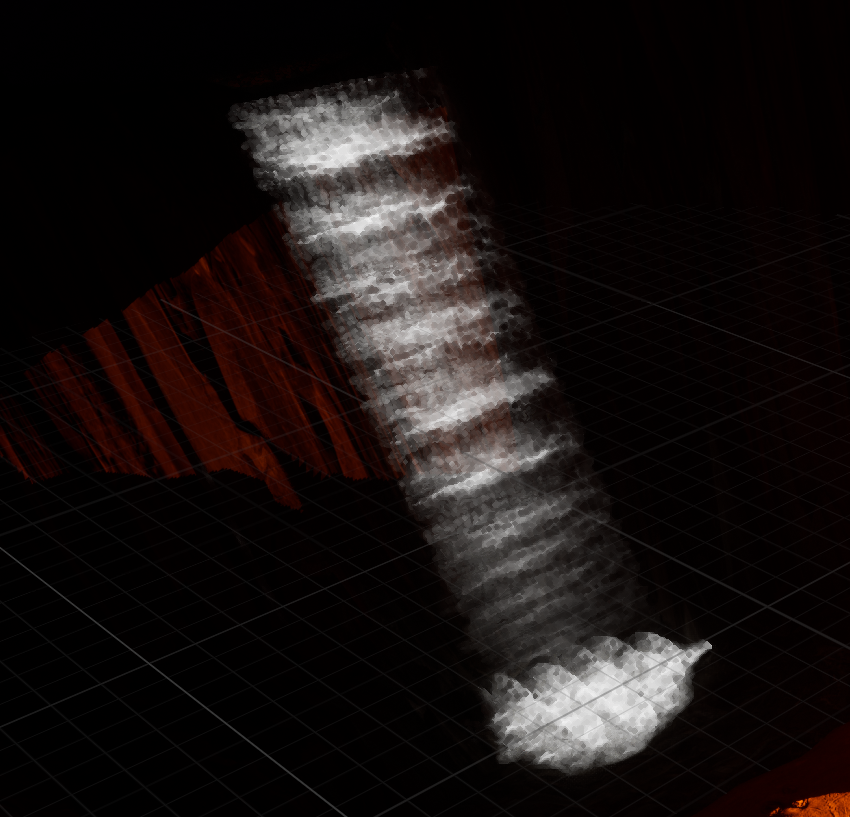
Then I decided to give the pond and river some love, finding some water textures with premade animations, so I added water to both and this waterfall effect with balls of waterfall at the bottom to make this splash effect which I am quite happy with
Importing My Asset:
I had finished my asset at this point and so was ready to port it over to replace that block out version. So to start with I went onto the asset, went into modelling mode and . Then I exported them into my environment’s content folder, which had some slight side effects
As you can see it was not only tiny but had no textures, and so I had to remake these in unreal. It was relatively easy to fix atleast, I want back to the subtance painter files, re-exported the textures but in the unreal format, putting them into my environment’s files like so:
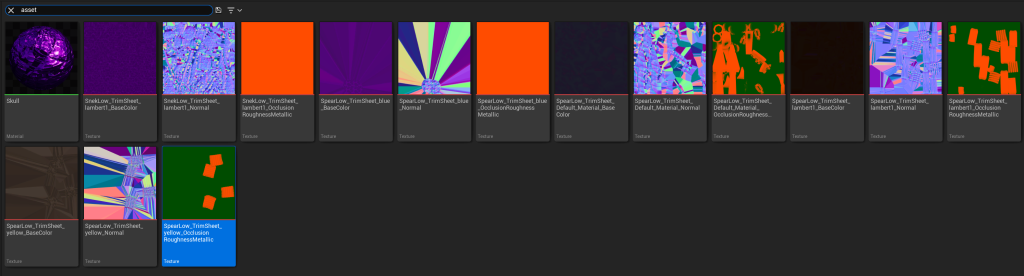
Then I just had to go into each blank texture and connect each elemnt to what node they needed to connect to (the base color to the base color, the blue/normal maps to the normals and themetalic red to metalic and the green to roughness to get these:
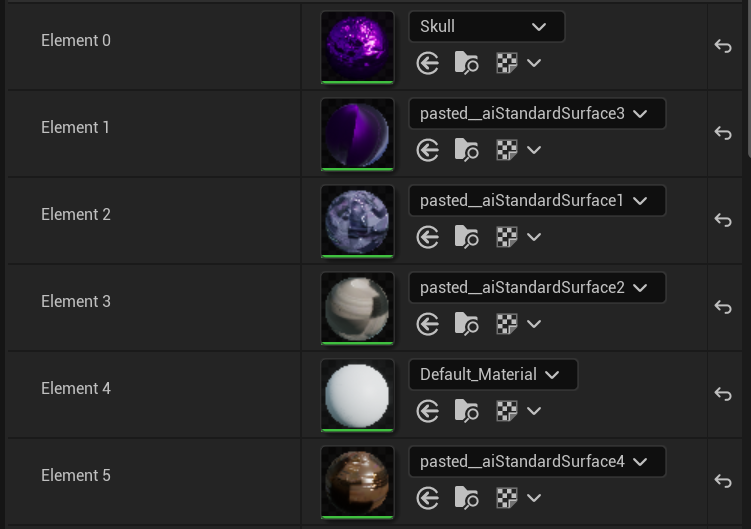
I am not quite sure what the 4th element is about but it looks like it should now, so with abit of resizing I was able to put it into its place like so
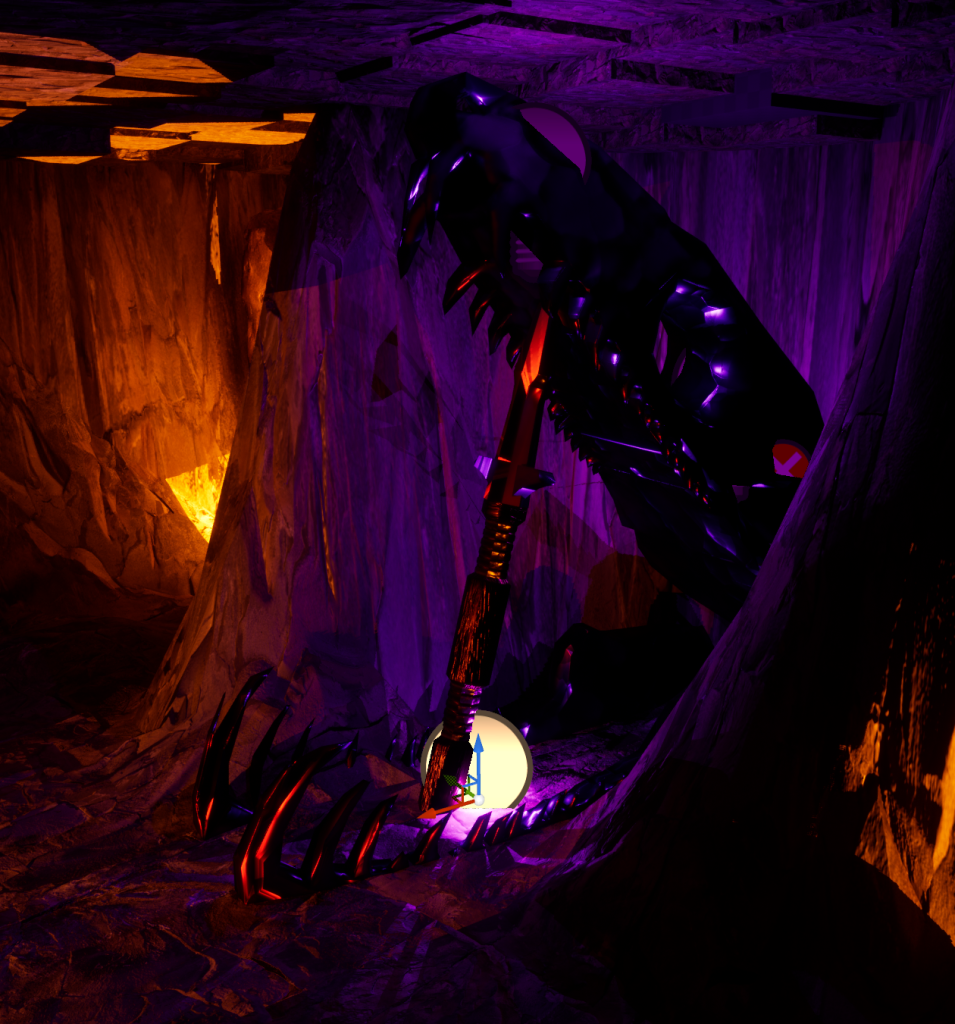
As you can see aswell I have given it the purple glow I wanted which I feel really helps to put it together
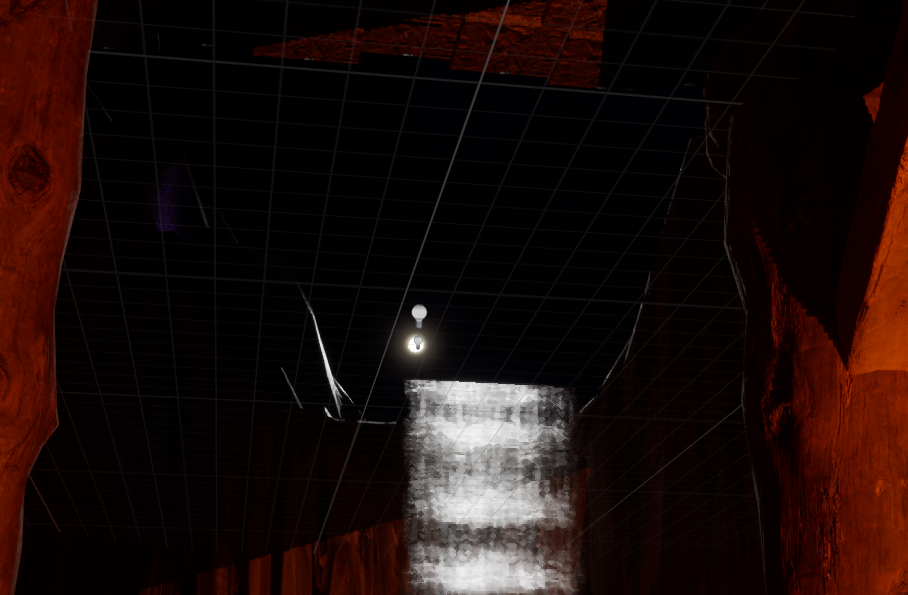
I also decided since I have this outside view at night why not add a moon? It is just a small sphere with two lights to give the glow on the moon and the river itself
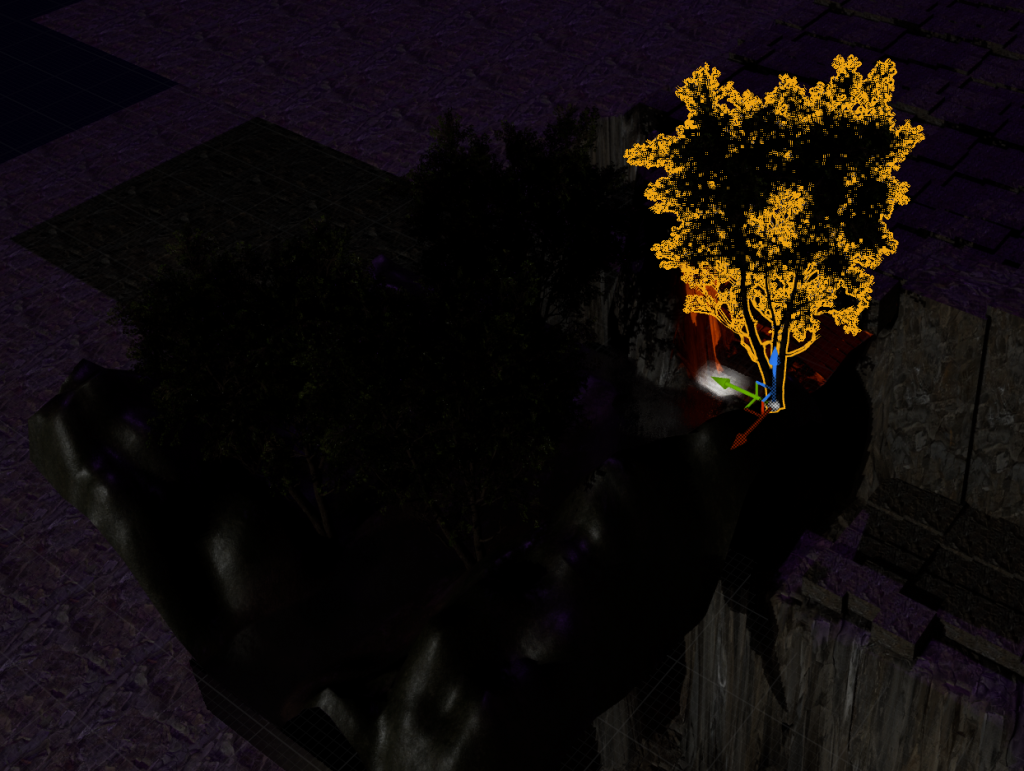
And then finally I added in some trees to further push the nature part, they also help to block the view of infinite void which is also a plus. Now I can go on to making the video to show off the environment